What the app does
Kinkventory is built for collections that have outgrown a list: many items, many properties, several boxes — and the recurring question of what has to come along for a particular date.
Capture and recognise
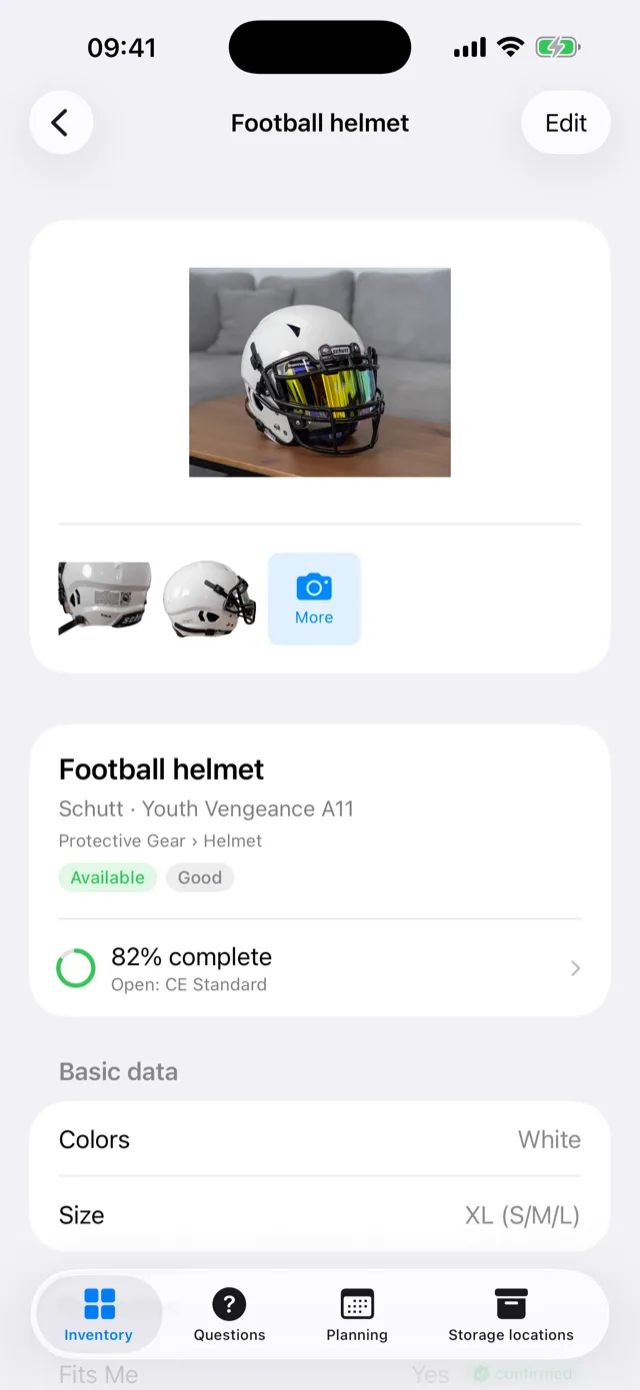
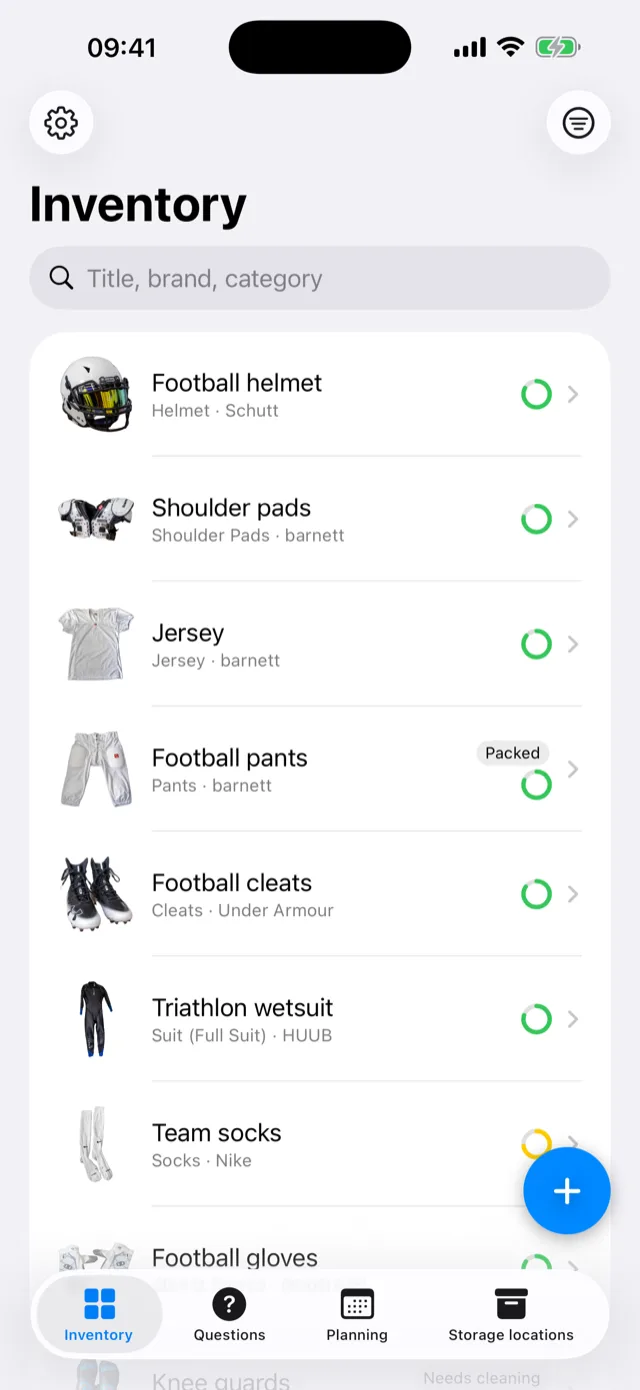
An item exists from the first photo — immediately, without a form. With image recognition switched on, category, brand, material, colour and size come back as suggestions, each marked with where the value came from: seen, inferred, or confirmed by you.
Confirmed values are never overwritten — not by a later analysis and not by an inference. What you have checked once stays as it is.
Questions instead of empty fields
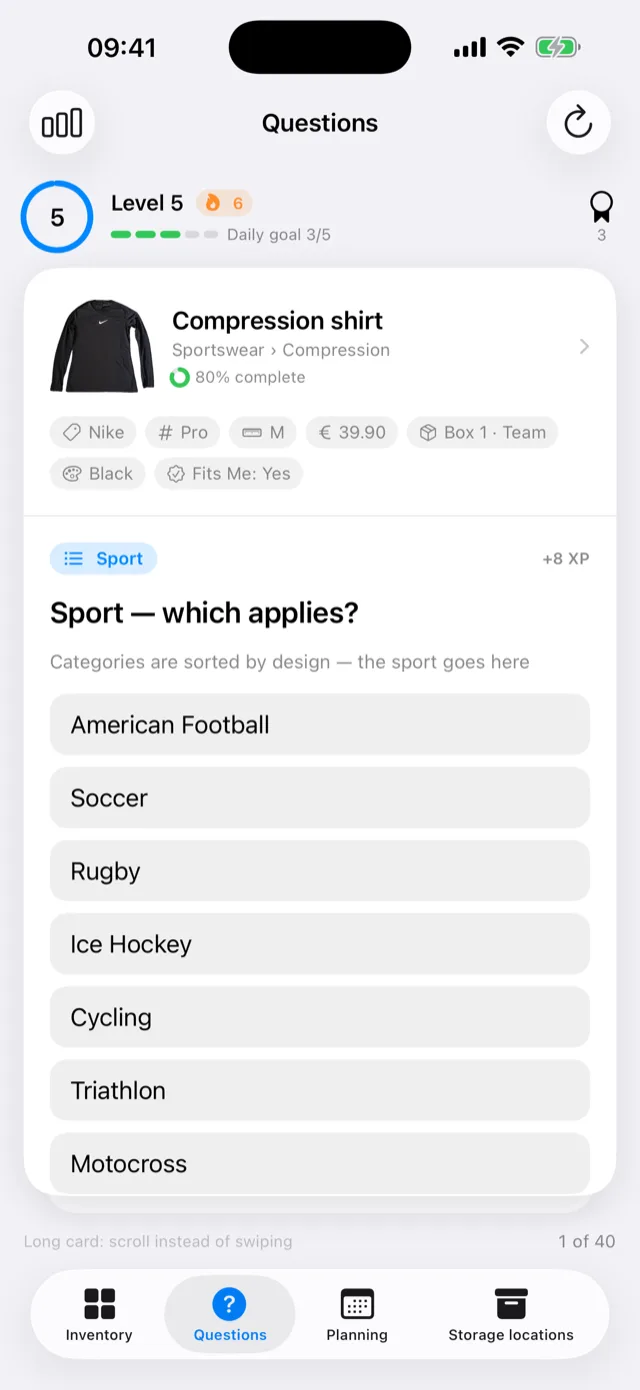
Whatever is missing after capture arrives as a short question: one at a time, with progress and a completeness ring. The app only asks what applies — "rated load" only once the item is load-bearing, "key set" only once it locks.
That is the difference between an inventory you start and one you actually finish.
Compose outfits and record them
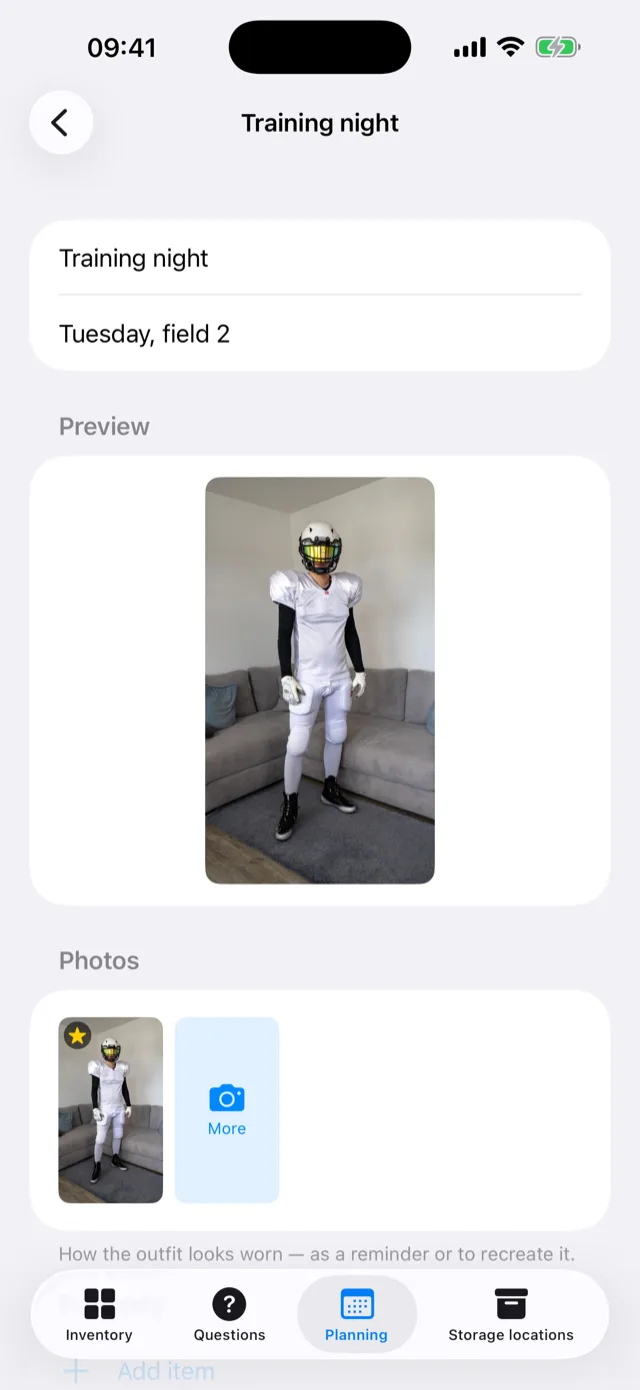
An outfit starts as an idea: put items together by body zone, layer them up — several pieces in the same place are normal, not an error — and leave slots empty for whatever is still missing. What stays empty is your list of what you still need for it.
Afterwards it becomes a record: photos of the worn outfit capture how it actually looked. They stay portrait, the way they were taken, instead of being forced into a square grid.
The app speaks up only when something genuinely does not add up: the same item planned twice, a full-body suit plus a required piece underneath, something lent out or broken, an item already committed elsewhere on the same day, or restraints without their key. A hint, never a block — whatever you put together is saved.
Events and packing lists
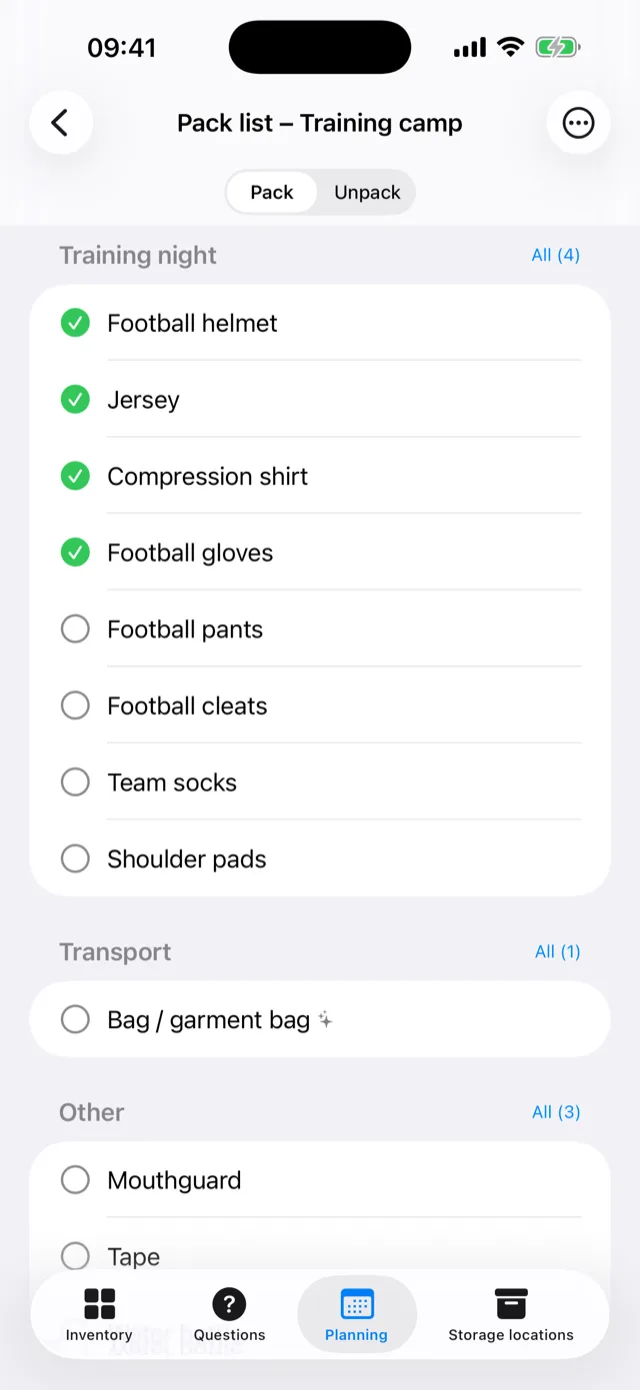
An outfit plus a date becomes a packing list — including what people regularly forget: zip wax, cuff powder, spare socks, spare laces. You tick things off while packing, and whatever is missing stays visible.
Events come in by hand, from an .ics file, from a calendar
address or from the iPhone calendar. Access to the system calendar is off
by default and switchable per direction.
Storage with NFC
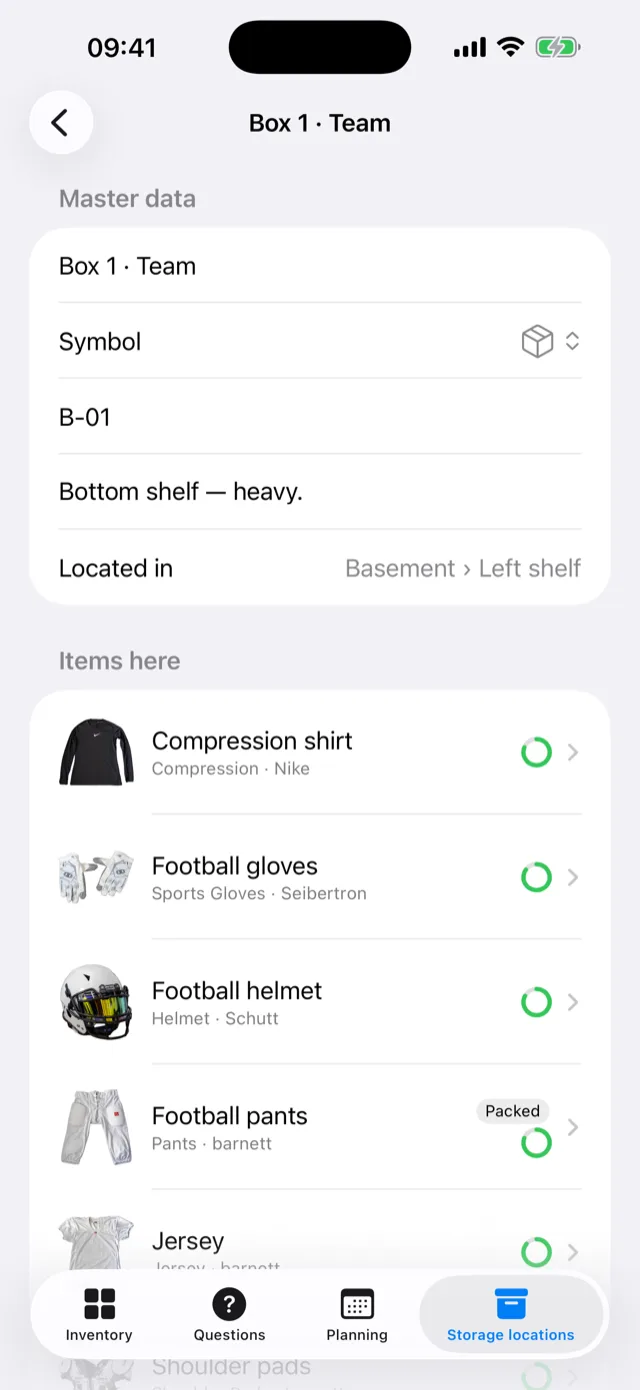
Boxes, drawers and wardrobes as a tree — and an NFC tag on the box. Tap the tag, see what is inside. Rearranging means hanging an item somewhere else, not rewriting a list.
Receipts, value, care
Attach a purchase receipt to an item and the app reads out merchant, date, receipt number and price — personal details in it are redacted on the device beforehand. Out of that come purchase value, statistics across the collection, and a care log recording when something was last washed, oiled or polished.
Backup, iCloud, discretion
- Encrypted export of the entire collection including photos into one file, protected by your password. The direct route to a new iPhone.
- Optional iCloud sync through your own iCloud, off by default. The data then sits in your Apple account, not with us.
- App lock with Face ID or the device passcode including a grace period, plus no preview image in the app switcher.
- An unremarkable icon: a glance at your home screen sees a box, not an announcement.
- German, English, French — complete, category tree included.
What the app does not do
No feed, no profiles, no contact between users. No advertising, no tracking across apps or websites. No account with a name or e-mail address. And no subscription: you only pay for image recognition, with credits that do not expire.
Without image recognition switched on the app is fully usable — you then enter category and properties yourself. What leaves the device and what does not is set out in the privacy policy.